Add real features to your app

Call an API, run an AI feature, take a payment, or kick off a background job. Functions let you do it all. Deploy your app, and Netlify runs it.

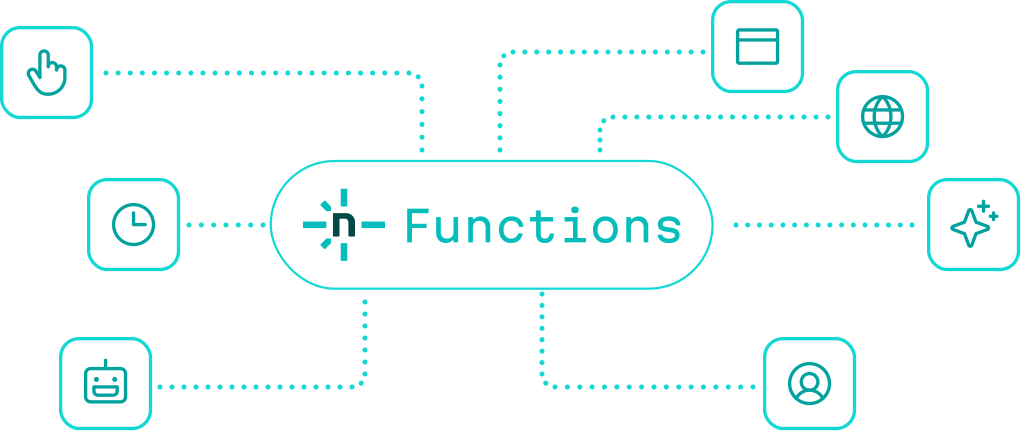
Netlify Functions connected to APIs, scheduled jobs, and integrations

Or start with a prompt

Build on Netlify

Using the Netlify skills at netlify.ai, scaffold a Netlify Function with a typed config, a /api/hello path, and a JSON response.

What you can build

More than 700 million functions run on Netlify every day. Here’s the kind of work they power.

Ship AI without the plumbing

Call any model, handle the response, and send it back to your app, all from one function. AI Gateway manages the API keys and bills usage through your existing plan.

Example: generate alt text with OpenAI
// Example: generate alt text with OpenAI
import OpenAI from "openai";

export default async (req: Request) => {
  const { description } = await req.json();
  const client = new OpenAI();

  const res = await client.responses.create({
    model: "gpt-5-mini",
    input: [
      { role: "user", content: `Write concise alt text for: ${description}` },
    ],
  });

  return Response.json({ altText: res.output_text });
};

export const config = { path: "/api/alt-text" };

Build with your agent, ship with confidence

Write a function, or let your agent write it, then deploy. It publishes with the rest of your app and goes live automatically. And you’re protected the whole way. Preview every change before it’s public, and roll back to any version in one click, so you can move fast without breaking what already works.

Ship it with your app
Your functions deploy in the same push as your frontend, in one build and one release. You don’t manage a separate pipeline or schedule a maintenance window.
Preview every change
Every change gets its own preview link, functions included, so you can try it against real requests before anyone else sees it.
Roll back in one click
If something’s off, return to any earlier version in a click. Your whole app rolls back together.
Catch problems early
Watch logs and metrics from every function in real time, and secret scanning blocks exposed keys before a deploy ships. Problems surface while you can still fix them.
Control how it runs, in code
Set where a function runs and how much power it gets in its config: a region, plus up to 4 GB of memory and 2 vCPUs.
Keep secrets server-side
API calls, secret keys, and the rules behind your app run in the function, never in the browser, so nothing sensitive reaches the client.

Functions works better with the rest of Netlify

Reach for these when a function needs to call a model, store a result, or check who’s signed in. They connect directly, with nothing extra to wire up.

AI Gateway
Call OpenAI, Anthropic, or Google models from any function without managing API keys. Netlify handles the keys, tracks usage in your dashboard, and bills it through your plan.
Learn about AI Gateway
Database
Managed Postgres built into your project. Functions write results to a database that’s already there, branched with every preview and in sync when you ship.
Learn about Database
Identity
User auth that connects directly to Functions. Run logic at signup or login to block access, set metadata, or trigger a workflow, with no separate auth service to maintain.
Learn about Identity
Edge Functions
For logic that runs fast and close to the user: personalization, redirects, A/B routing, access checks. Edge Functions handles the lightweight decisions up front; Functions handles the heavier work behind it.
Learn about Edge Functions

Frequently asked questions

What is Netlify Functions?

It’s how you run code on a server as part of your Netlify project, for things like API endpoints, background jobs, scheduled tasks, and webhooks. Anything your app needs to do outside the browser.

What’s the difference between a regular function, a background function, and a scheduled function?

Regular functions respond to a request and return something, so they’re best for work that finishes quickly. Background functions handle longer-running work (up to 15 minutes) and respond immediately while the job keeps running, so reach for them with AI features, file processing, or anything where the result can come a little later. Scheduled functions run automatically on a cron schedule, which suits recurring tasks like nightly syncs, digest emails, or cleanup jobs that don’t start from a user request at all.

Can my AI coding agent configure Functions?

Yes. Region, memory, how it runs, event handlers — everything is set in code, so your agent can read it, write it, and change it the same way it handles the rest of your project.

How does pricing work?

Functions is available on all Netlify plans. Memory and vCPU configuration (up to 4 GB / 2 vCPUs) is available on credit-based plans. See pricing →

Your app’s logic has a home

Write it and publish it without thinking about the infrastructure underneath.